hide();
The hide method hides an object a the map.
To execute the example HTML page must contain the object of the PP.MapShape type (see page of description of the MapShape.Visual) property named mapShape. Hide a map layer area and a tooltip for it:
function hideMapShape(mapShape) {
    mapShape.getToolTip().hide();
    mapShape.hide();
}
hideMapShape(mapShape);
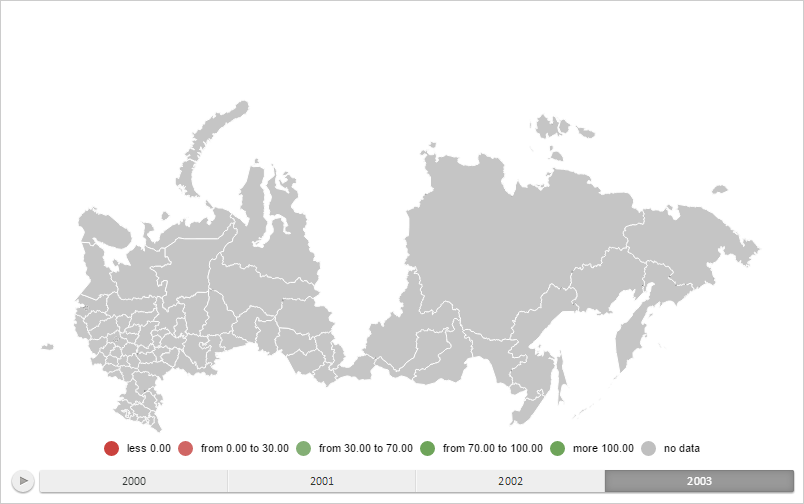
After executing the example, the map layer area with the RU-KYA ID and the tooltip for it were hidden:
Show them again:
function showMapShape(mapShape) {
    mapShape.getToolTip().show();
    mapShape.show();
}
showMapShape(mapShape);
After executing the example map layer area and tooltip are shown again.
See also: