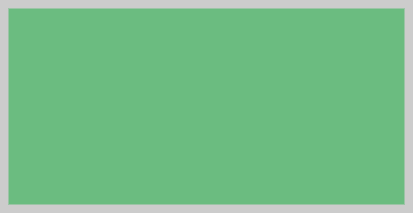
To execute the example, the HTML page must contain links to the PP.js script file and the PP.css styles file. Add the <div> element with the "canvas" identifier to the <body> tag. It is required to add calling of the createCanvas() function to the "onload" event of the <body> tag. Create a canvas and draw a rectangle:
function createCanvas() {
    // Create a canvas
    canvas = new PP.Ui.Canvas({
        // Sets parent element
        ParentNode: document.getElementById("canvas"),
        // Set global transparency
        GlobalOpacity: 1,
        // Set line width
        StrokeWidth: 15,
    });
    // Set canvas size
    canvas.setBounds(14, 9, 411, 211);
    // Set shape fill type
    canvas.setFillStyle("#6BBC80");
    // Set shape border style
    canvas.setStrokeStyle("#CCCCC");
    // Draw a rectangle
    canvas.drawRect(0, 0, 411, 211, True, False);
    // Apply canvas changes
    canvas.flush();
}
As a result a canvas with a filled rectangle is created:
See also: